
Study Summary and Key Findings
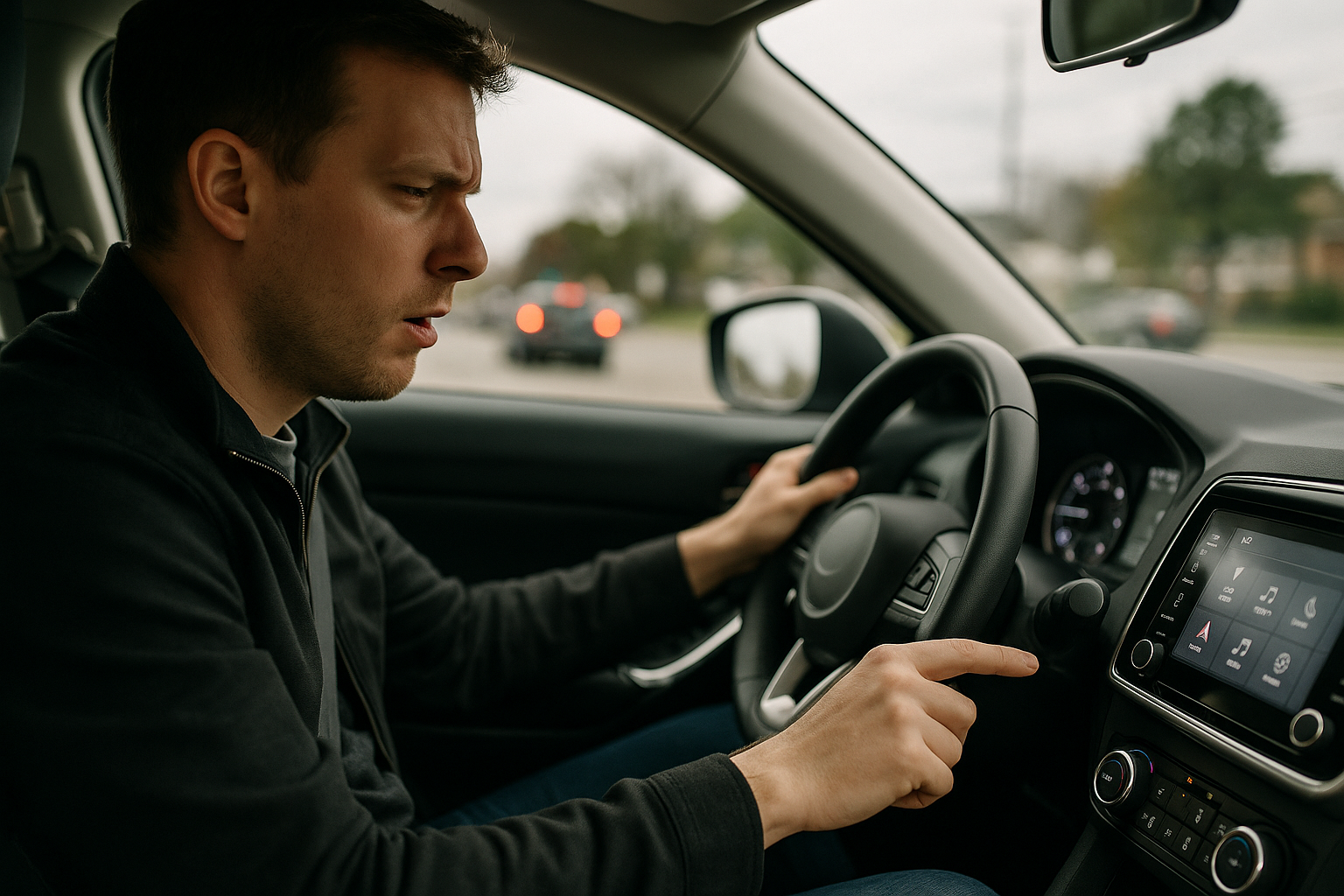
A University of Washington and Toyota Research Institute study found that in-dash touchscreens substantially degrade driving performance, especially as mental workload increases. Bigger screens and larger on-screen targets did not solve the core safety issues.
Notable Results
- Lane keeping variability: Drivers drifted within their lane 42% more when interacting with the screen.
- Touch performance: Accuracy and speed fell 58% when driving vs. stationary use, with an additional 17% decline under higher cognitive load (memory task).
- Hand-before-eye behavior: Reaching toward controls before looking rose from 63% to 71% with added mental demand, prolonging eyes-off-road time and increasing mid-correction steering inputs.
- Bigger targets didn’t help: The bottleneck was visual search and gaze shifts, not finger precision.
Why This Matters
Unlike desktop or smartphone contexts, the “cost” of searching on a vehicle screen is paid in diverted attention and steering variability. Multitasking with the touchscreen lengthens glances away from the road, contributing to lateral drift and delayed reactions.
Method and Limitations
- Sixteen participants drove in a simulator while using a vehicle-style touchscreen, enabling precise measurement of gaze, hand movement, lane position, and interaction timing.
- The small sample and lack of reported demographics limit broad generalization, though the metrics align with standard distraction and workload indicators in transportation research.
- Simulator results may differ in real-world conditions (traffic, weather, markings), but the emphasis on attention and search time is consistent with human factors findings.
Design Implications
Interface design, not screen size, is pivotal. The authors recommend adapting the UI to driver state and improving glanceability to shorten visual search.
- Adaptive interfaces: Use simple sensors (e.g., eye tracking, steering-wheel touch sensors) to detect attention or cognitive load and adjust the UI on the fly.
- Prioritize critical controls: Surface essential functions prominently under strain; dim or defer non-urgent features.
- Reduce search time: Keep layouts consistent, minimize menu depth while in motion, and make frequent actions quickly discoverable.
- Complement touch: Encourage voice input and physical shortcut/steering-wheel controls for common tasks.
Industry Context and Possible Impacts
Large, tablet-style displays are a major selling point, yet the study suggests they don’t improve multitasking safety. The industry summary contends these findings could shape how customers, insurers, and regulators view touch-heavy dashboards and the marketing around them. Dealers may benefit from demonstrating safer modes like voice or steering-wheel controls and teaching shortcuts that curb visual search.
Outlook
No timeline was given for widespread adoption of attention-sensing or adaptive UIs. The results add to growing scrutiny of complex in-car tech, highlighting that reducing visual search time could yield outsized safety gains.